Sound for a UI video: what goes under each move
A design walkthrough without sound feels unfinished, and one with too much sound feels like an ad. Good UI sound sits in between: it confirms what the eye already sees. Here is how to build it, layer by layer.
Free on Figma Community · 3 free exports · no watermark
Why bother, if the feed starts muted
Most feeds start a video muted, so the picture has to tell the story on its own. Sound is for the people who choose to listen: on the case page of your site, in a presentation, on a call with a client, on YouTube. For them a silent walkthrough feels like a draft.
So the video has to work in both modes. Make it clear without sound first, then add sound that never says anything the picture does not.
Three layers, three jobs
- The music bed. A quiet track under everything. It sets the mood and holds the video together between moves.
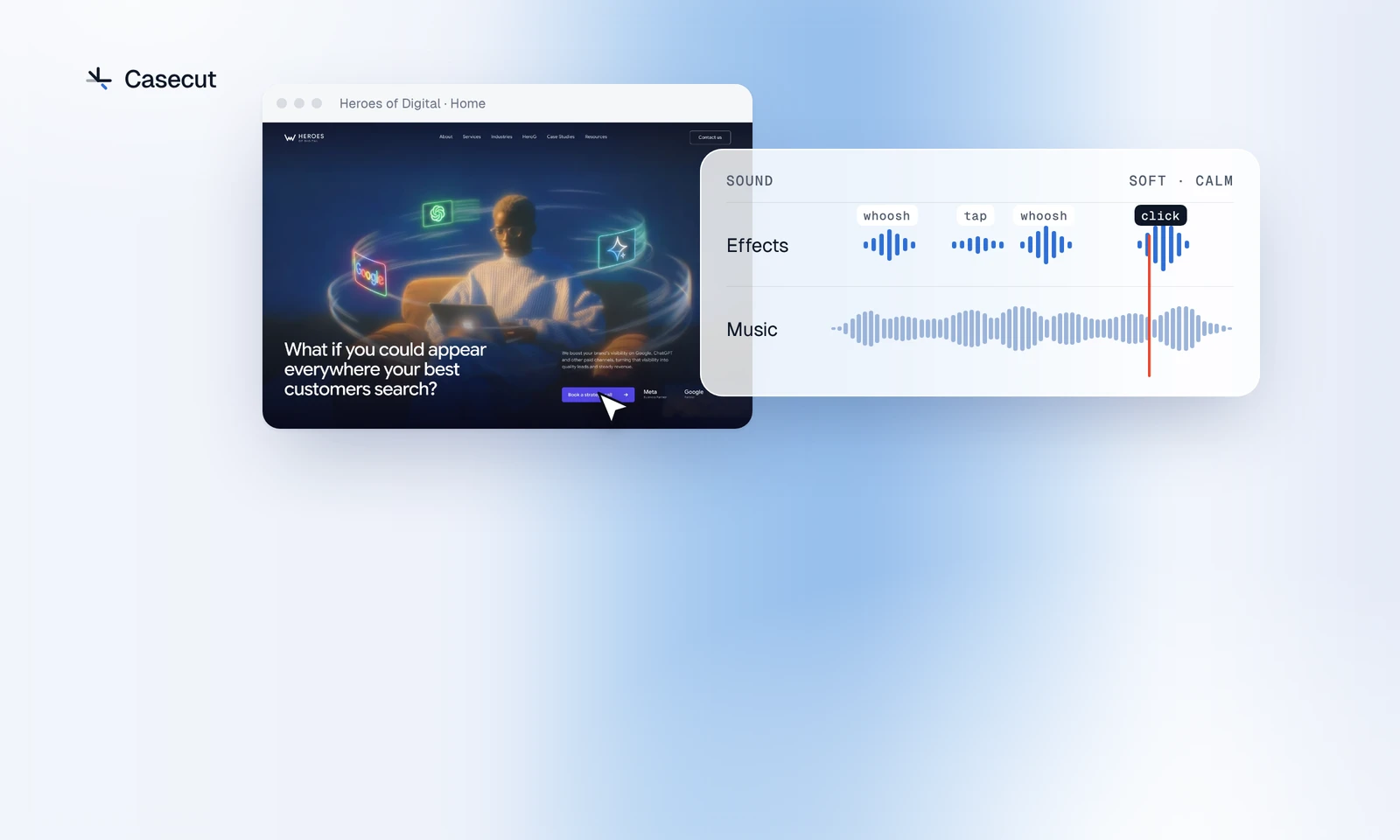
- Movement sounds. A soft whoosh when the camera travels or a section slides in. They follow the camera, not the layers.
- Interaction sounds. A tap when a layer lands, a click when the cursor presses a button. These are the ones people notice, so they have to match the picture exactly.
Keep the layers apart and the mix gets simple: the music sits lowest, the movement sounds above it, and the click on top.
Rules that keep it quiet
- One event, one sound. If a headline, a subtitle and a button land together, they get one tap, not three.
- Sync to the frame. A click that lands a moment after the press reads as a mistake.
- Not every layer needs a sound. Small details can arrive in silence; keep sounds for the moves that matter.
- Use one family of sounds for the whole video. Bright glassy ticks next to deep thumps sound like two edits glued together.
- Fade the music in and out. A track that starts at full volume, or stops mid-note, is the first thing a listener notices.
- Listen on a phone speaker and on headphones. Low sounds can vanish on a phone; bright ones can be sharp in headphones.
Music that ends with the video
A library track rarely matches the length of your edit. You either cut it mid-phrase or let the picture end while the music goes on. If you use one, trim it to the end of a phrase, fade it out on the last frame, and check that its licence covers the platforms where you post.
A melody also competes with the picture. A busy tune with a strong lead pulls the eye away from the design. A warm pad, soft keys or a plucked line lets the page lead.
How Casecut scores a video
In Casecut the sound is made for each video, after the AI director has cut it. Whooshes follow the camera, taps follow the layers, and the click is a real mouse click that lands when the cursor presses. On the Heroes of Digital homepage, an AI SEO agency page, that is a quiet bed under the hero, a whoosh as the camera moves on to the next section, and one click when the cursor presses the main button.
The music is written for the project: it gets its own key, chords and tempo, fitted to its length, and is played by recorded instruments. Then it is yours to change:
- Sound effects: four packs made from the same recordings, Soft, Glass, Deep and Minimal, with their own volume.
- Music: a mood, such as Calm, Pulse or Airy, and an instrument: an ambient bed with no melody, grand or soft piano, vibraphone, marimba, harp, kalimba, chimes or bells.
- Volume, fade in and fade out for the music, or no music at all.
- Compose another track when the melody is not right. The speaker button under the preview mutes everything.
Changes play right away, so you can try a pack against the picture instead of guessing. The sound goes into the exported MP4, in 16:9, 4:5 and 9:16.
Try it on your own frame
 Case study videosA motion case for every project, ready for Behance, Dribbble and X.OpenGuide
 Figma to videoTurn a frame into an MP4 without recording your screen.Open
More from the blog
 Figma prototype to video: four waysScreen recording, After Effects, motion tools and an automatic walkthrough.2 min readOctober 7, 2026
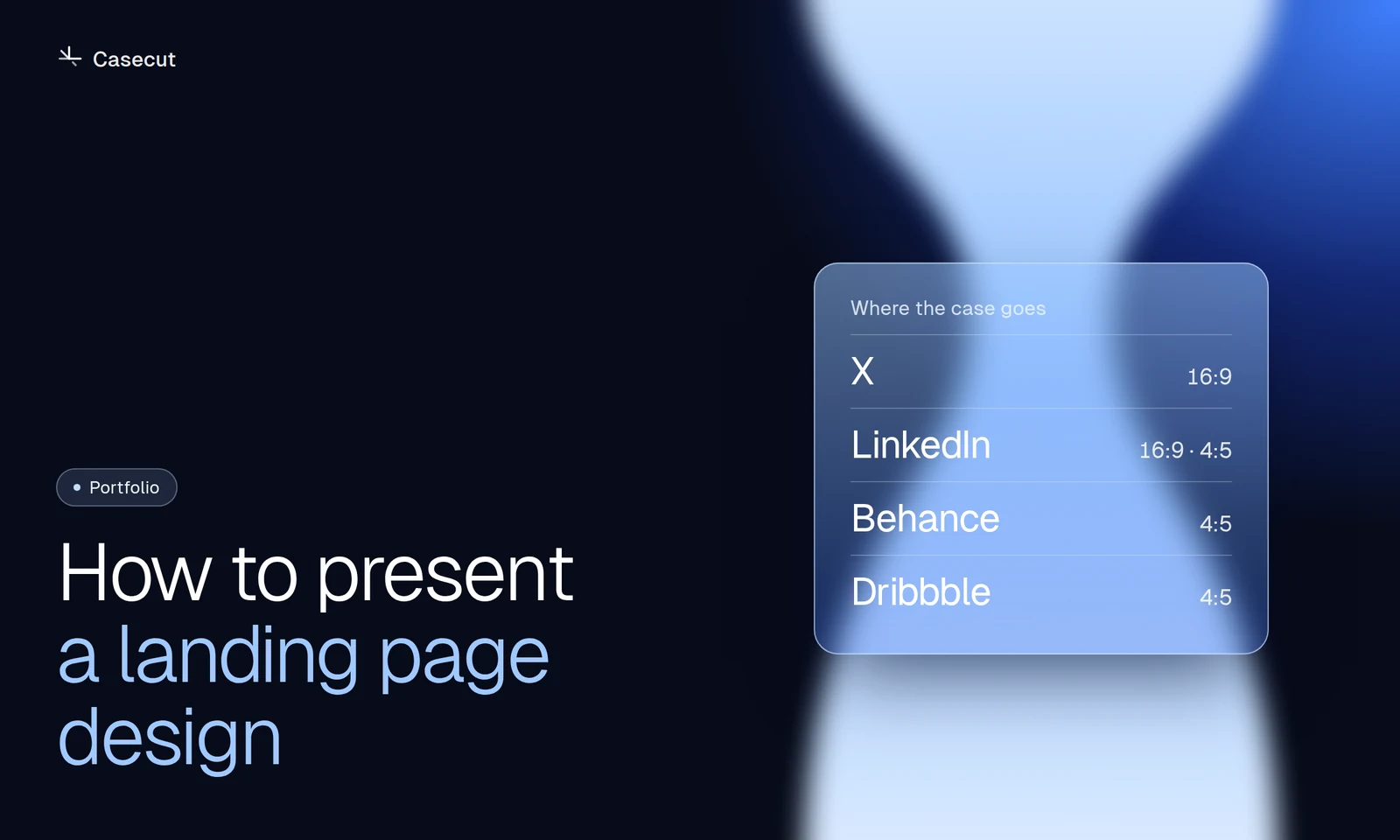 How to present a landing page designA practical structure for Behance, Dribbble, X and LinkedIn.2 min readOctober 7, 2026
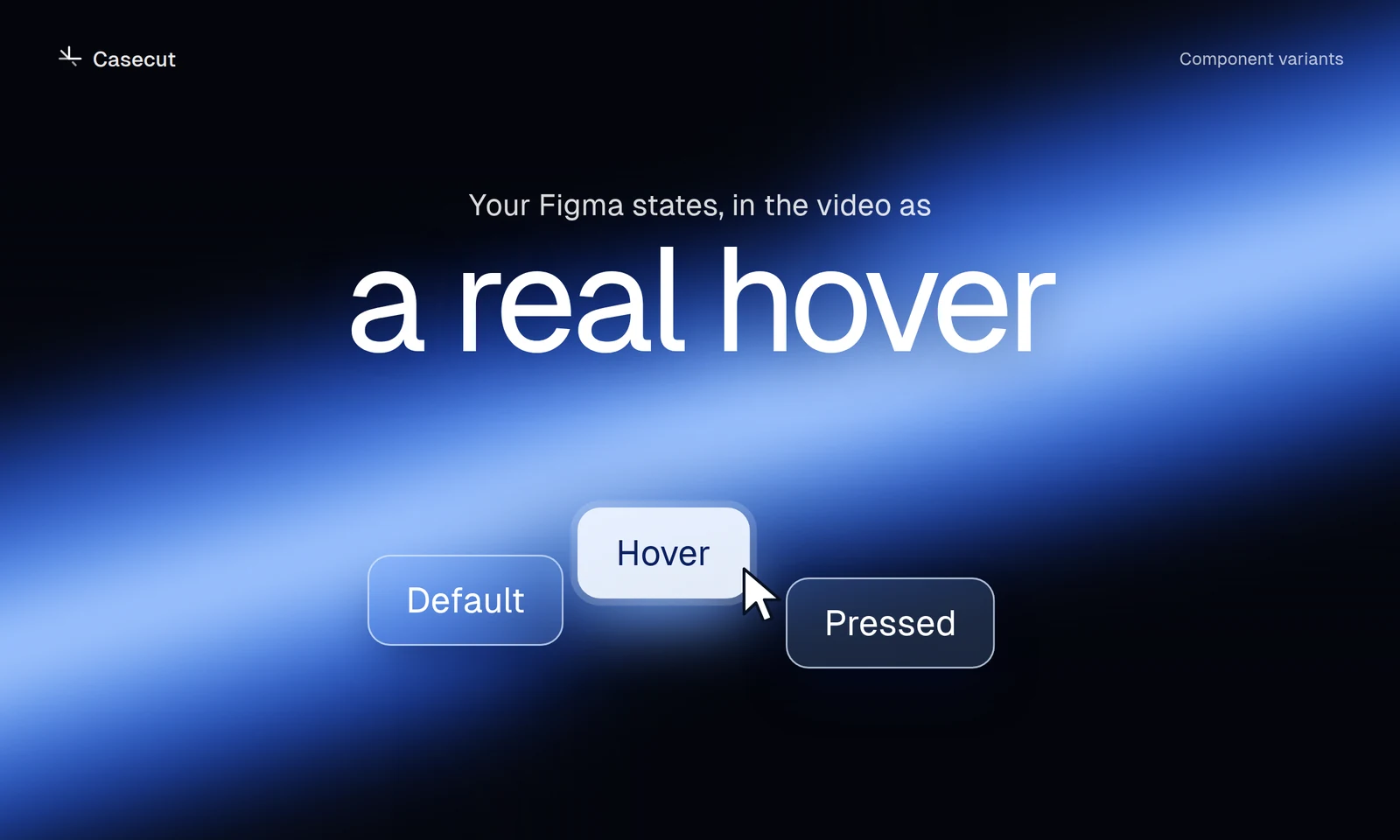 Figma hover states in a videoSet up variants so buttons and cards show their real hover.2 min readOctober 7, 2026
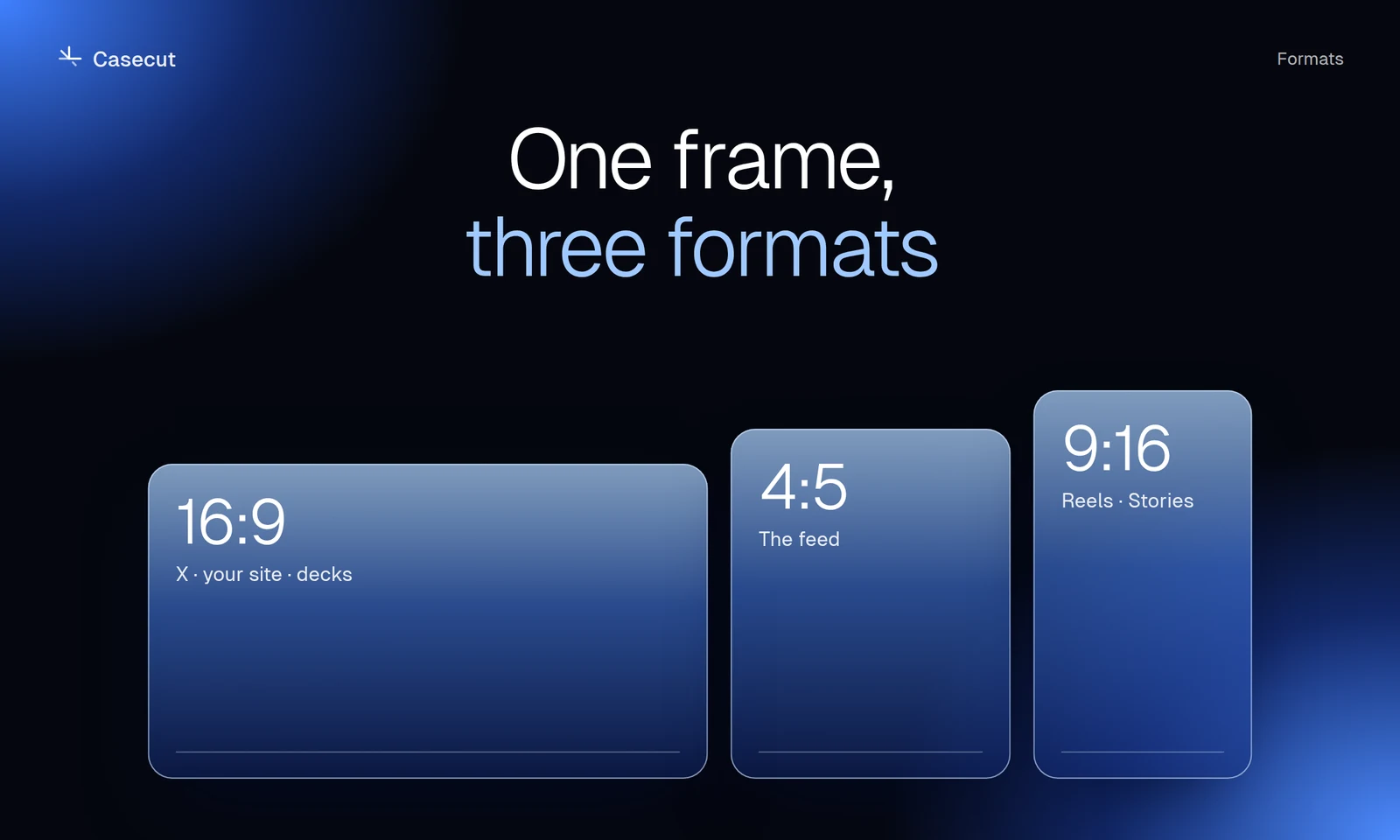 16:9, 4:5 or 9:16 for a case videoWhich format goes where, and why a crop is not enough.2 min read