Presenting design work in motion
Practical notes for web designers on turning finished Figma work into something people watch.
Free on Figma Community · 3 free exports every week · no watermark
Articles
 October 7, 20262 min readFigma prototype to video: four waysScreen recording, After Effects, motion tools and an automatic walkthrough.Read
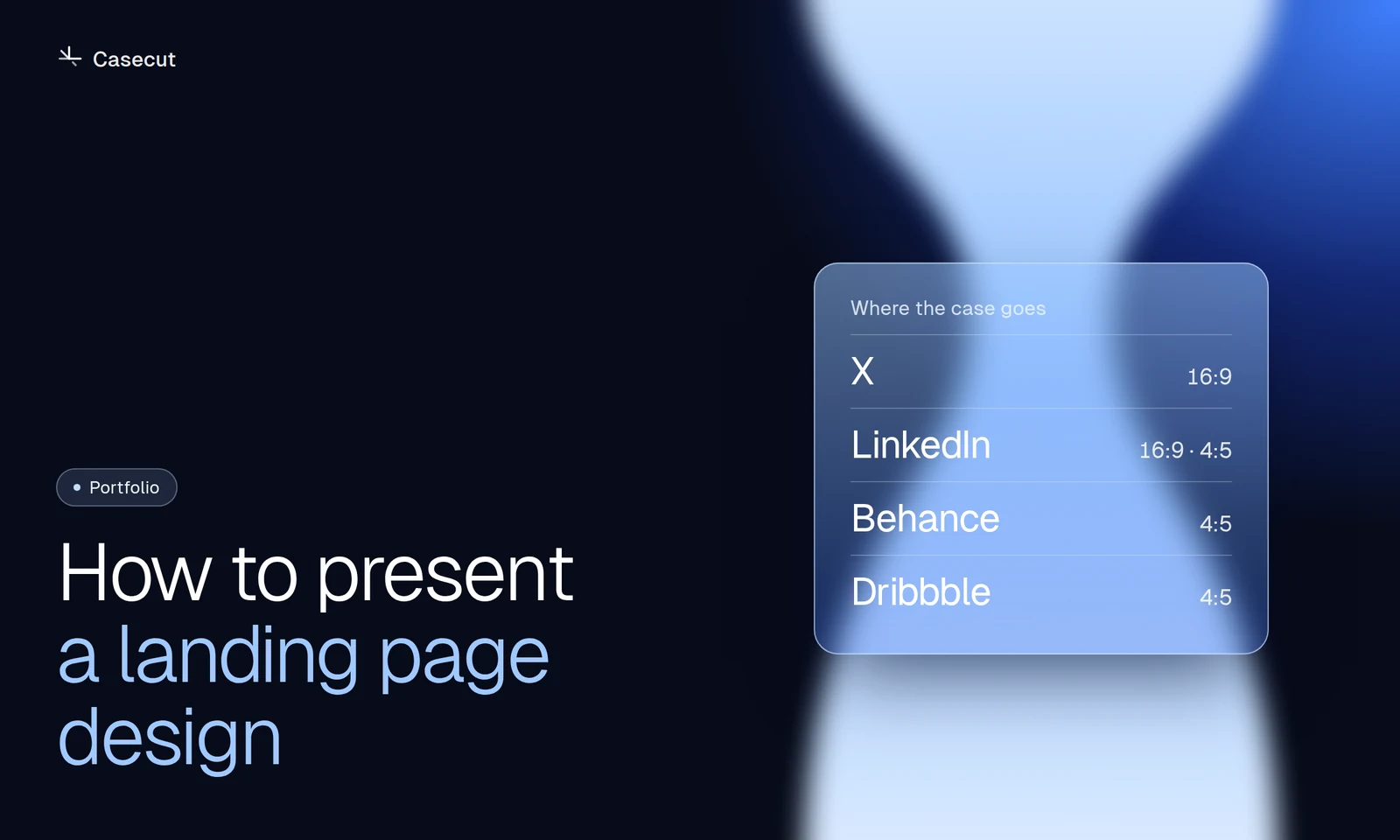 October 7, 20262 min readHow to present a landing page designA practical structure for Behance, Dribbble, X and LinkedIn.Read
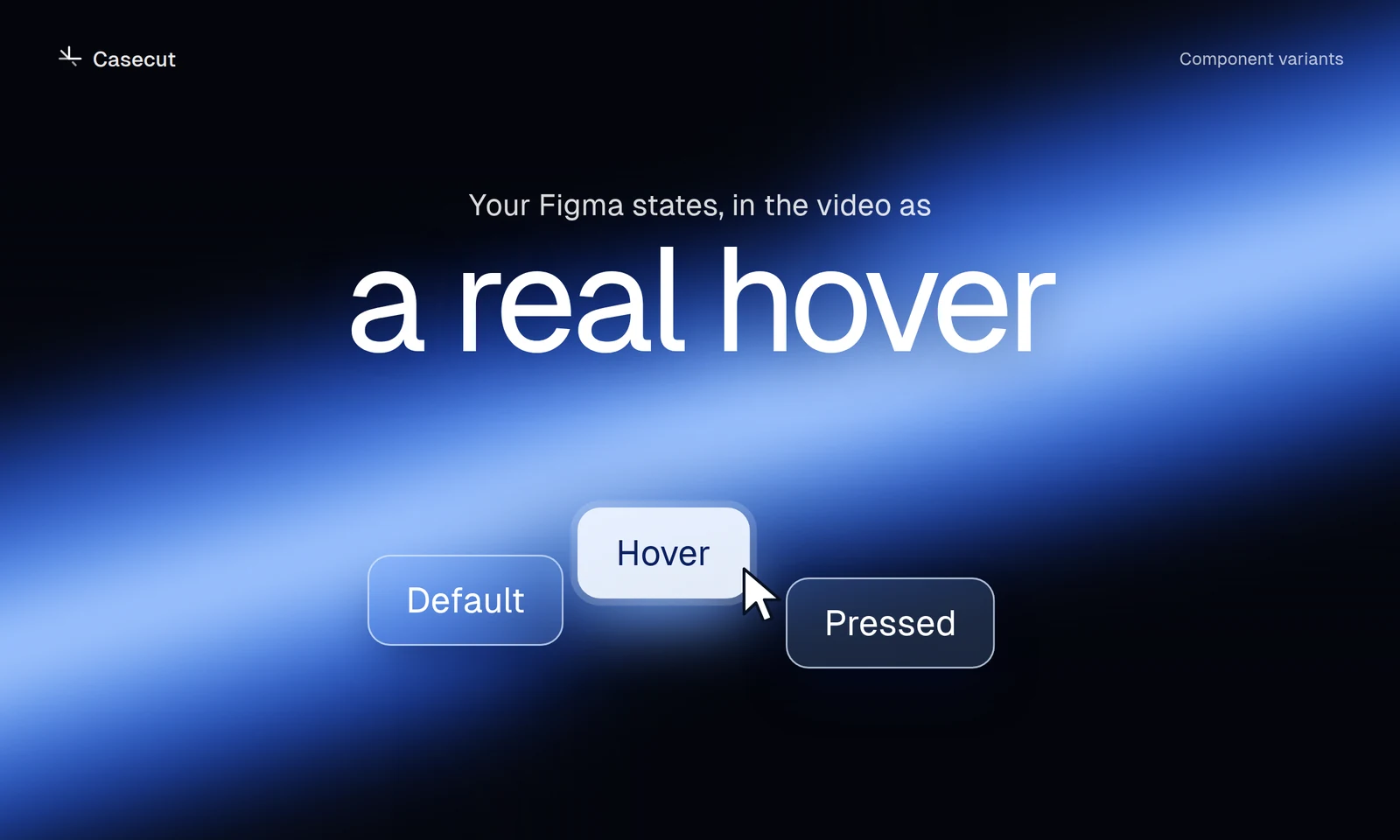 October 7, 20262 min readFigma hover states in a videoSet up variants so buttons and cards show their real hover.Read
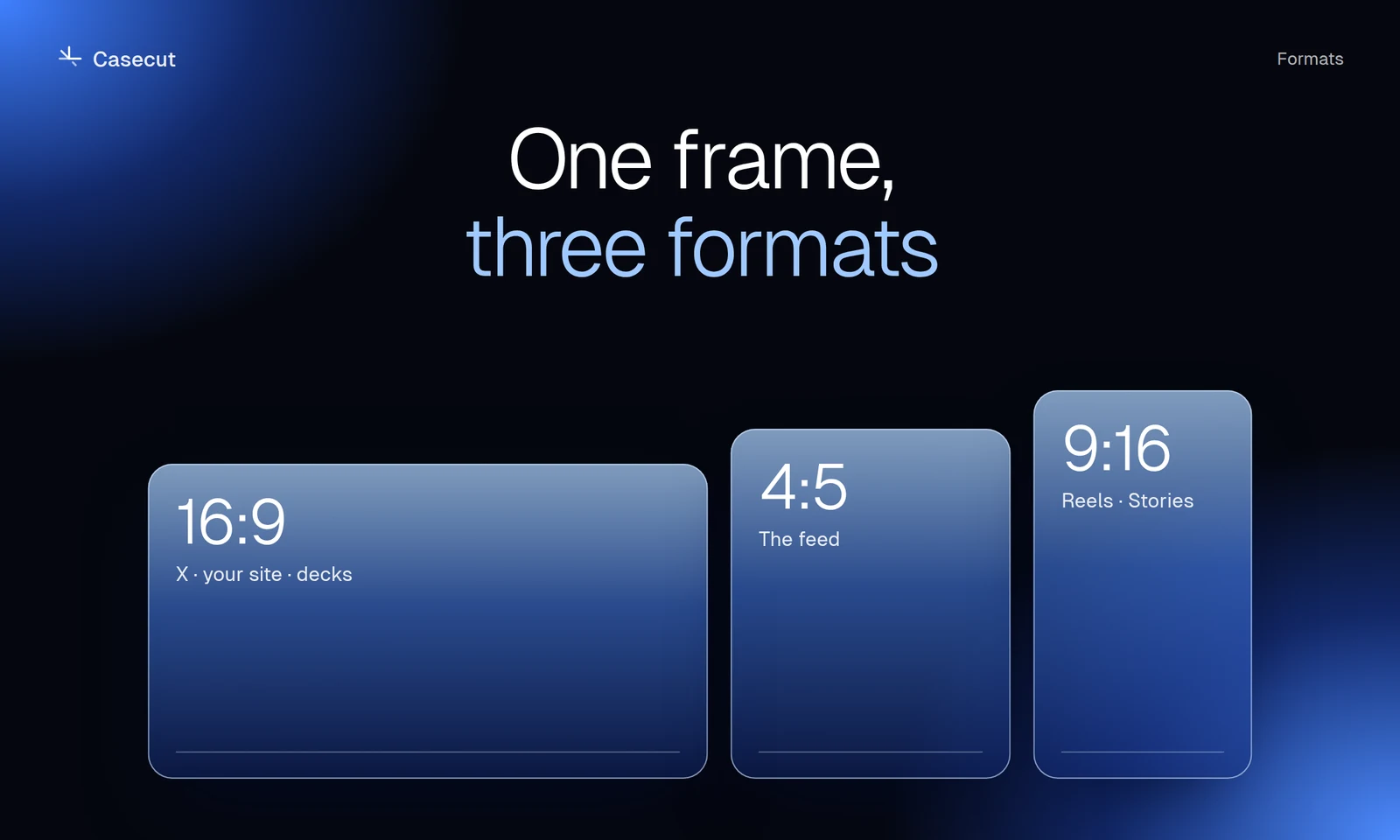 October 7, 20262 min read16:9, 4:5 or 9:16 for a case videoWhich format goes where, and why a crop is not enough.Read
What you can make
 Figma to videoTurn a frame into an MP4 without recording your screen.Open
 Case study videosA motion case for every project, ready for Behance, Dribbble and X.Open
 Animated mockupsLayers enter, the page scrolls, a cursor clicks. No keyframes.Open
 After Effects alternativeAn honest comparison for UI case videos.Open
 Design reels9:16, 4:5 and 16:9 from one frame, each with its own camera.Open