How to present a landing page design in your portfolio
You spent weeks on rhythm, hierarchy and states. Then the project goes out as one tall screenshot that nobody scrolls. Here is a way to present web design that shows the work you actually did.
Free on Figma Community · 3 free exports every week · no watermark
Start with motion, not with a cover
A page is experienced over time: the hero, then the scroll, then the first click. A still image shows one of those moments and hides the rest. Open the case with a short video of the page being used, and keep the stills for the details below it.
Show the page the way a visitor meets it
- Begin on the first screen and let it breathe for a moment before anything moves.
- Scroll section by section. Stop where there is something to read, glide through the rest.
- Press at least one button. A hover and a click prove the design was thought through as an interface, not as a poster.
- End on a frame with the project name and how to reach you.
One project, three shapes
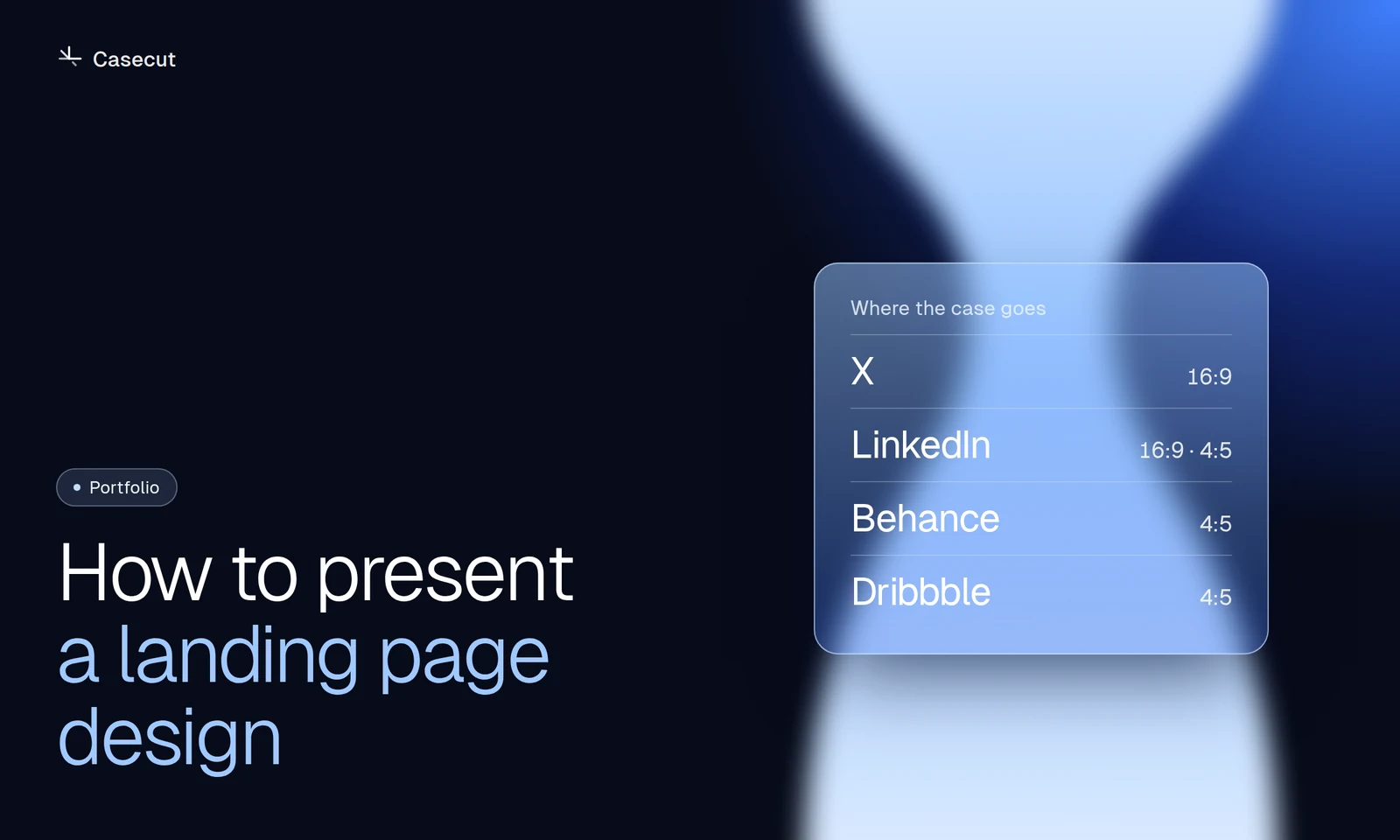
Each platform shows video in its own shape. A wide 16:9 video suits X, LinkedIn and your own site. The feed on Instagram and LinkedIn, and covers on Behance and Dribbble, favour 4:5. Reels, Stories and TikTok are 9:16. A desktop page cropped to a vertical frame loses half the design, so the vertical version needs its own framing, not a crop.
Keep it short
A case video is a trailer for the case, not the case. Show the strongest two or three sections and stop. People who want more will open the full project, and that is the point.
Add sound, quietly
Most feeds start muted, so the video has to work without sound. But a soft click on a press and a calm bed under the scroll make it feel finished for everyone who turns the sound on.
What to write next to it
- One sentence on who the client is and what the page has to do.
- One decision you are proud of, and why you made it.
- Your role, if a team made it.
Casecut makes this kind of video straight from the Figma frame: the scroll, the cursor, the sound and all three formats.
Try it on your own frame
 Case study videosA motion case for every project, ready for Behance, Dribbble and X.Open
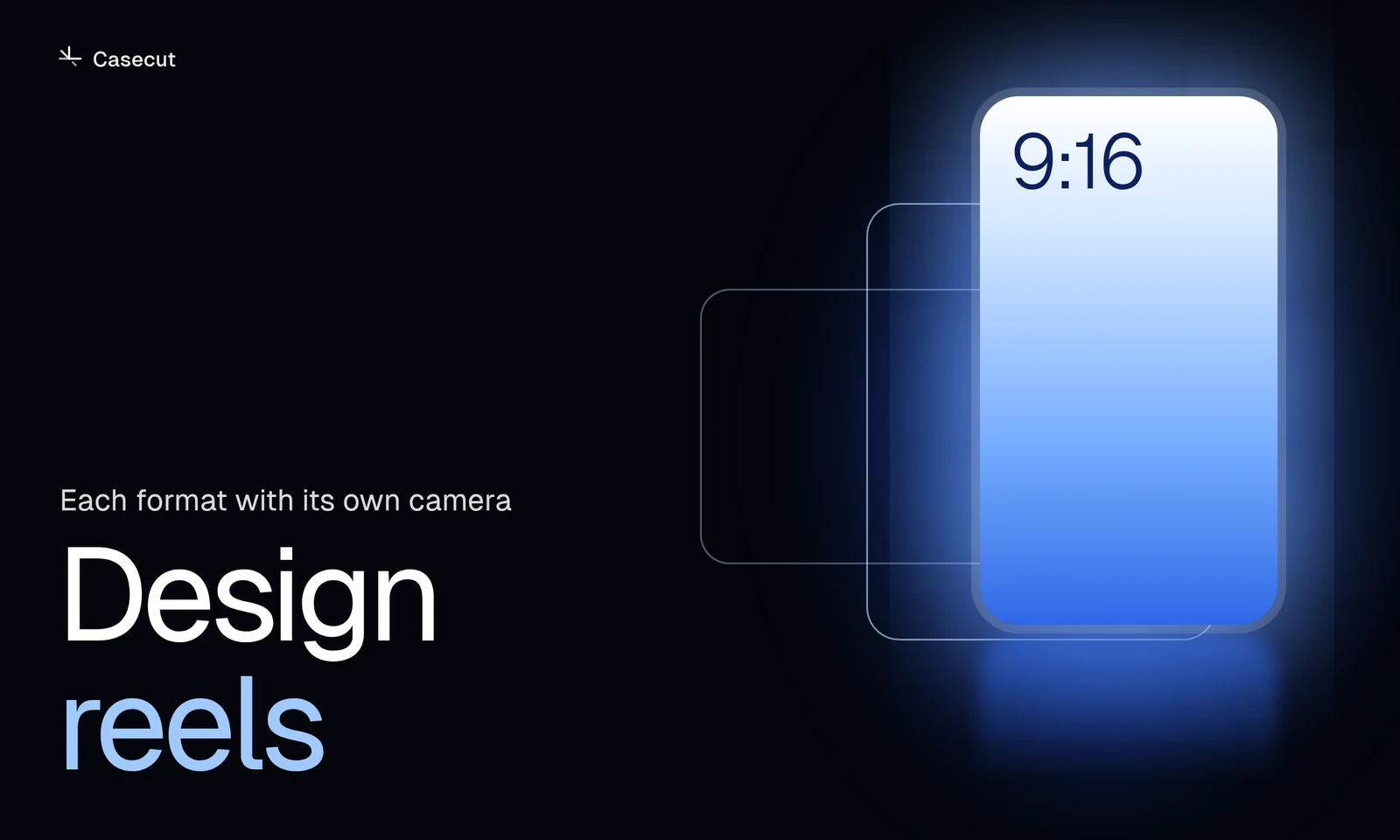 Design reels9:16, 4:5 and 16:9 from one frame, each with its own camera.Open
More from the blog
 October 7, 20262 min readFigma prototype to video: four waysScreen recording, After Effects, motion tools and an automatic walkthrough.Read
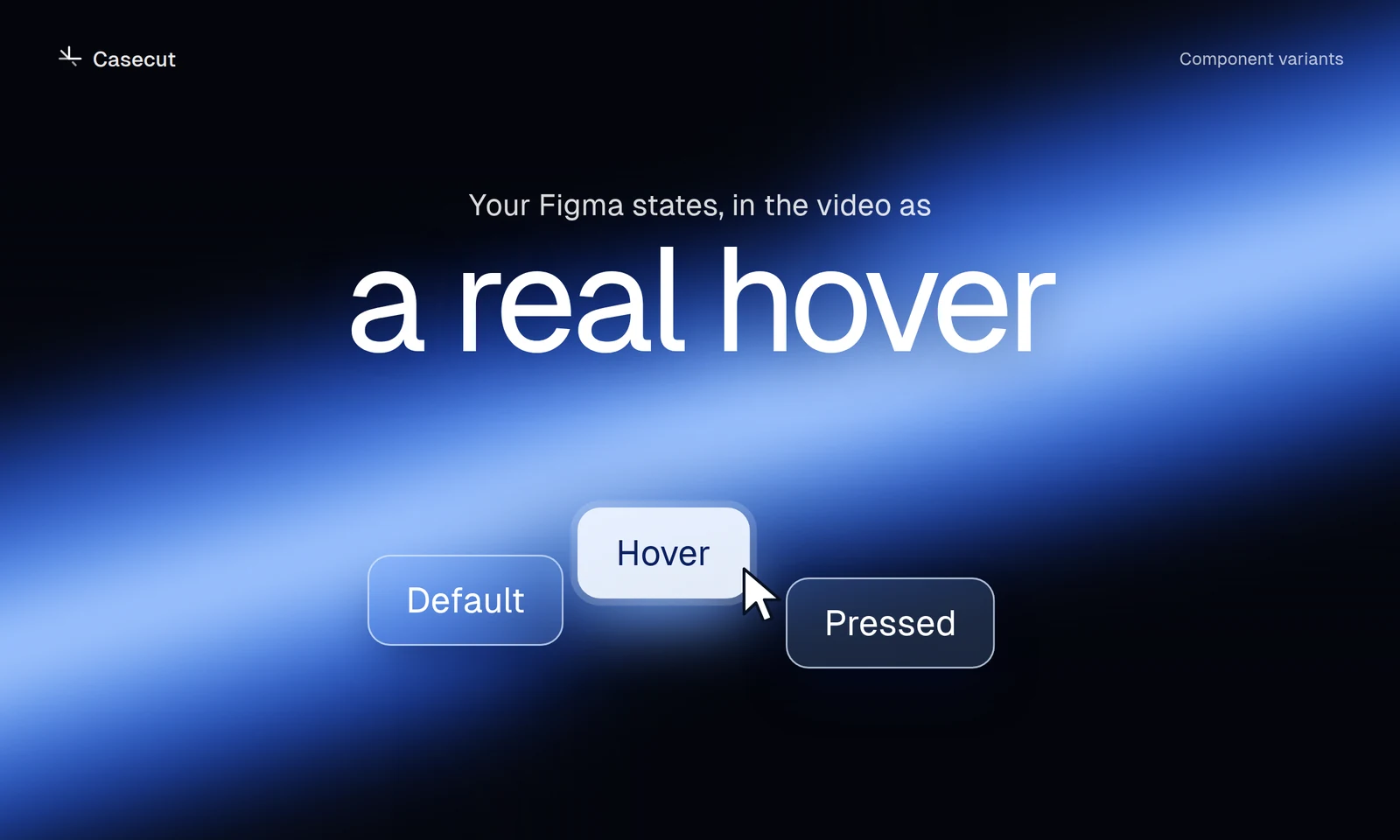 October 7, 20262 min readFigma hover states in a videoSet up variants so buttons and cards show their real hover.Read
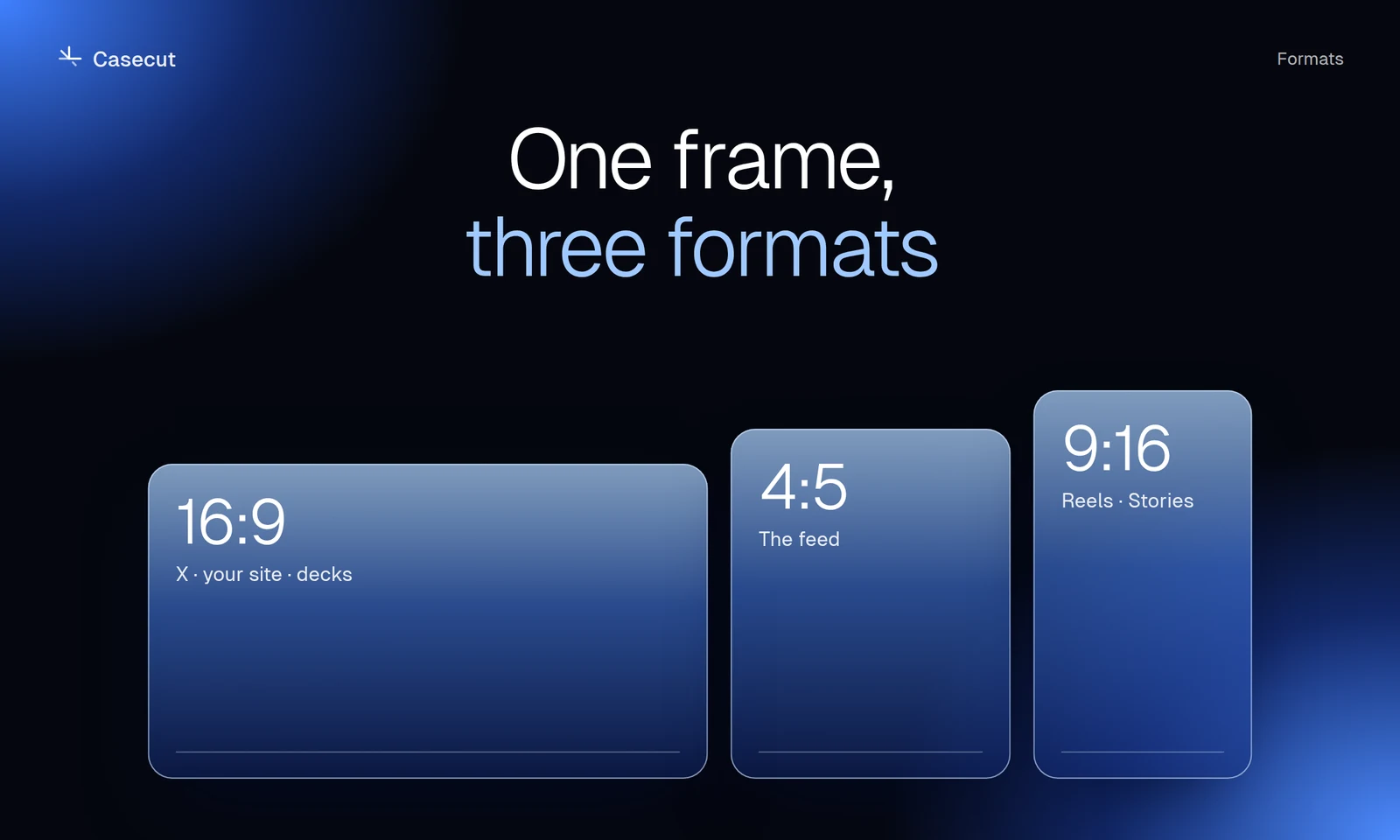 October 7, 20262 min read16:9, 4:5 or 9:16 for a case videoWhich format goes where, and why a crop is not enough.Read