16:9, 4:5 or 9:16: which format for a design case video
The same project rarely works in one shape everywhere. A wide video is small in a vertical feed, and a vertical one looks lost on a desktop site. Here is which format goes where, and what changes between them.
Free on Figma Community · 3 free exports every week · no watermark
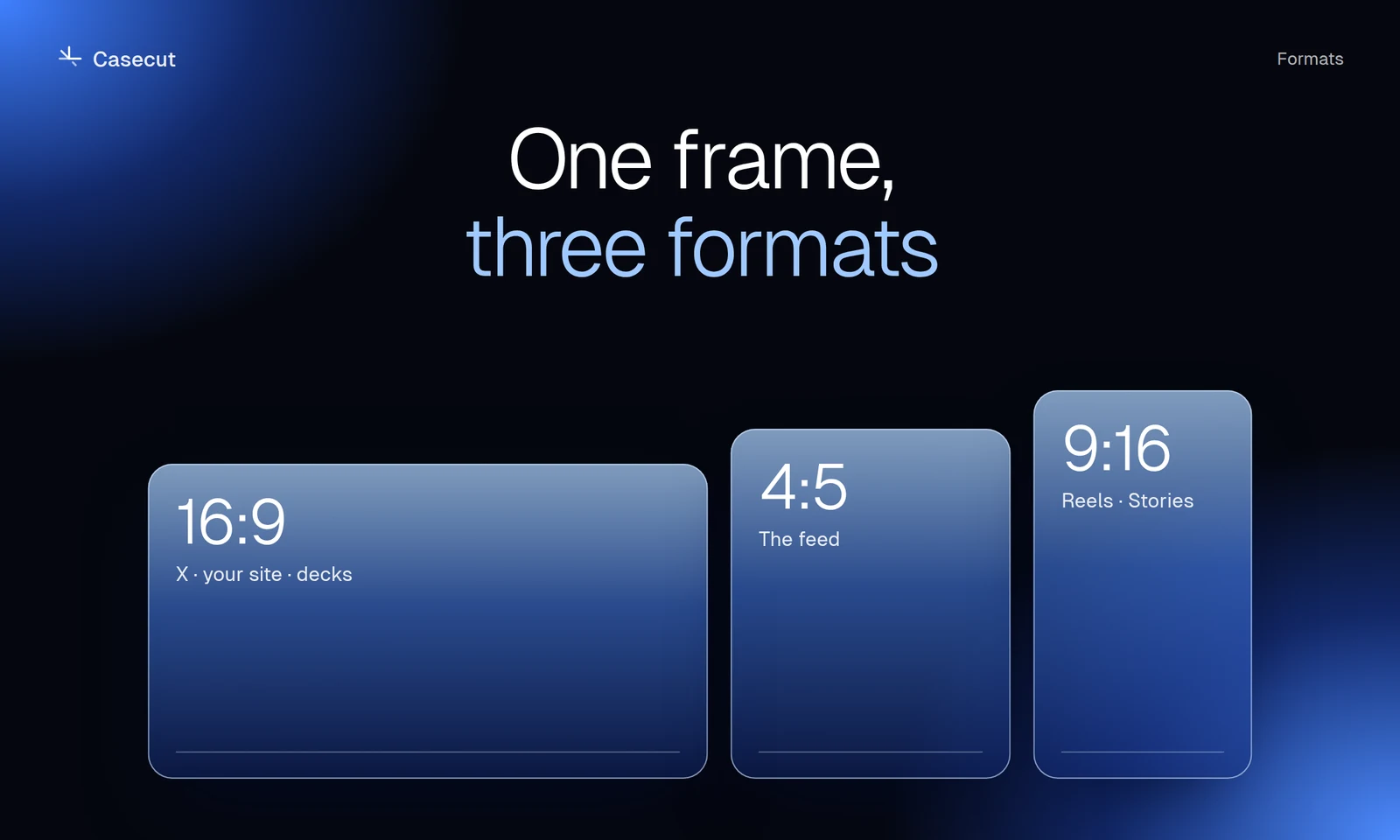
| Shape | Where | What it suits | |
|---|---|---|---|
| 16:9 | Wide | X, LinkedIn, YouTube, your site, presentations | The full walkthrough of a desktop page |
| 4:5 | Tall | Instagram and LinkedIn feed, Behance and Dribbble | The highlights, large in the feed |
| 9:16 | Vertical | Reels, Stories, TikTok, Shorts | A short teaser |
Why a crop does not work
A desktop landing page is about twice as wide as it is tall on screen. Cut a vertical window out of it and you keep a strip down the middle: half a headline, a third of a card grid. Scaling the whole page down to fit the width has the opposite problem, the text becomes too small to read on a phone.
A vertical version needs its own staging: the page shown as an object on a vertical stage, the camera moving closer to what matters, and a title laid out for that screen.
Length follows the format
The wide version can afford the whole page. The vertical one is watched by people who are scrolling, so it should make its point quickly and end. In Casecut the three formats of the same project come out at different lengths for that reason: the vertical cut is the shortest.
A simple routine
- Export all three at once. In Casecut the three formats are one export run.
- Post 16:9 where people read. X, LinkedIn, the case page on your site.
- Post 4:5 where people browse. The feed, Behance, Dribbble.
- Post 9:16 where people swipe. Reels, Stories, TikTok, Shorts.
Try it on your own frame
 Design reels9:16, 4:5 and 16:9 from one frame, each with its own camera.Open
 Case study videosA motion case for every project, ready for Behance, Dribbble and X.Open
More from the blog
 October 7, 20262 min readFigma prototype to video: four waysScreen recording, After Effects, motion tools and an automatic walkthrough.Read
 October 7, 20262 min readHow to present a landing page designA practical structure for Behance, Dribbble, X and LinkedIn.Read
 October 7, 20262 min readFigma hover states in a videoSet up variants so buttons and cards show their real hover.Read